
Android early access
Make it move.
Swish turns your photos and clips into living video. Paint the water, pin what stays, swap in a real sky, add rain or embers. On your phone.
- 40living effects
- 31moving skies
- 15looks
- 24one-tap moods
Android 8.0 and up, 64-bit phones. Not in any app store yet.
Real clips
One pass. Before and after.
Eight clips by Pexels creators, after one pass in Swish: a real sky, one effect, a look, a title. Press and hold a clip, or tap Original, to see it as shot.
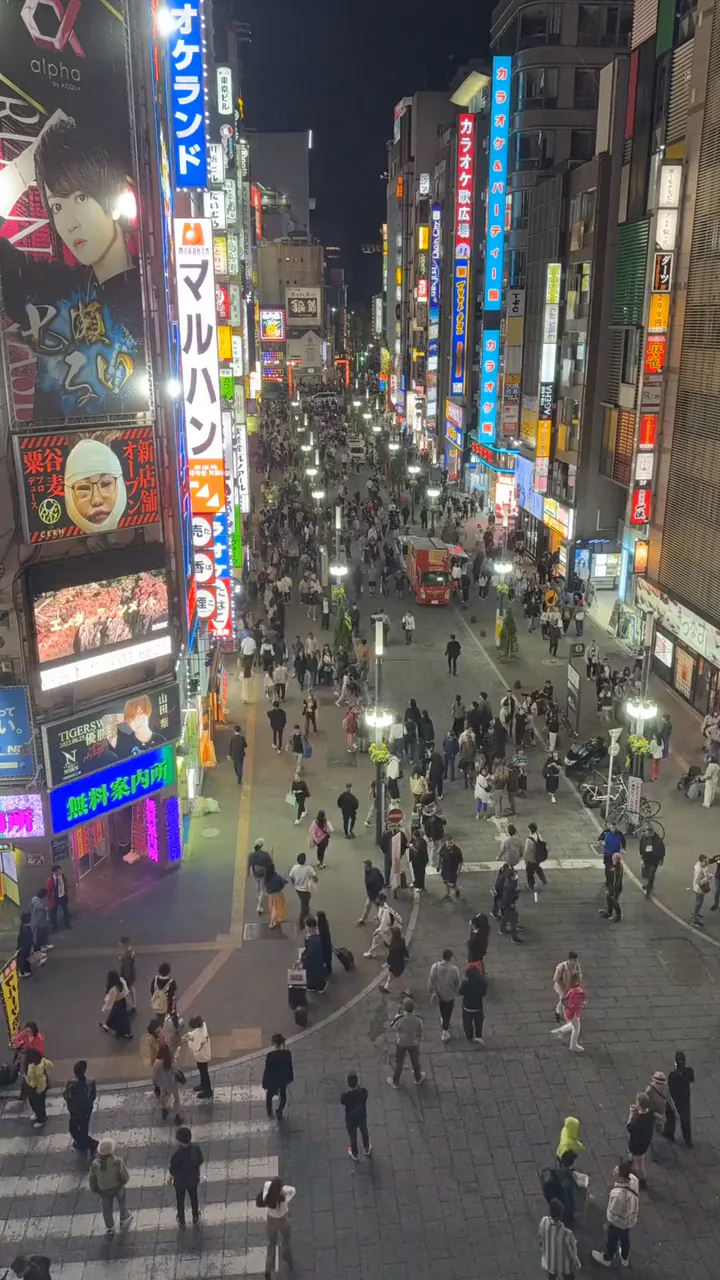
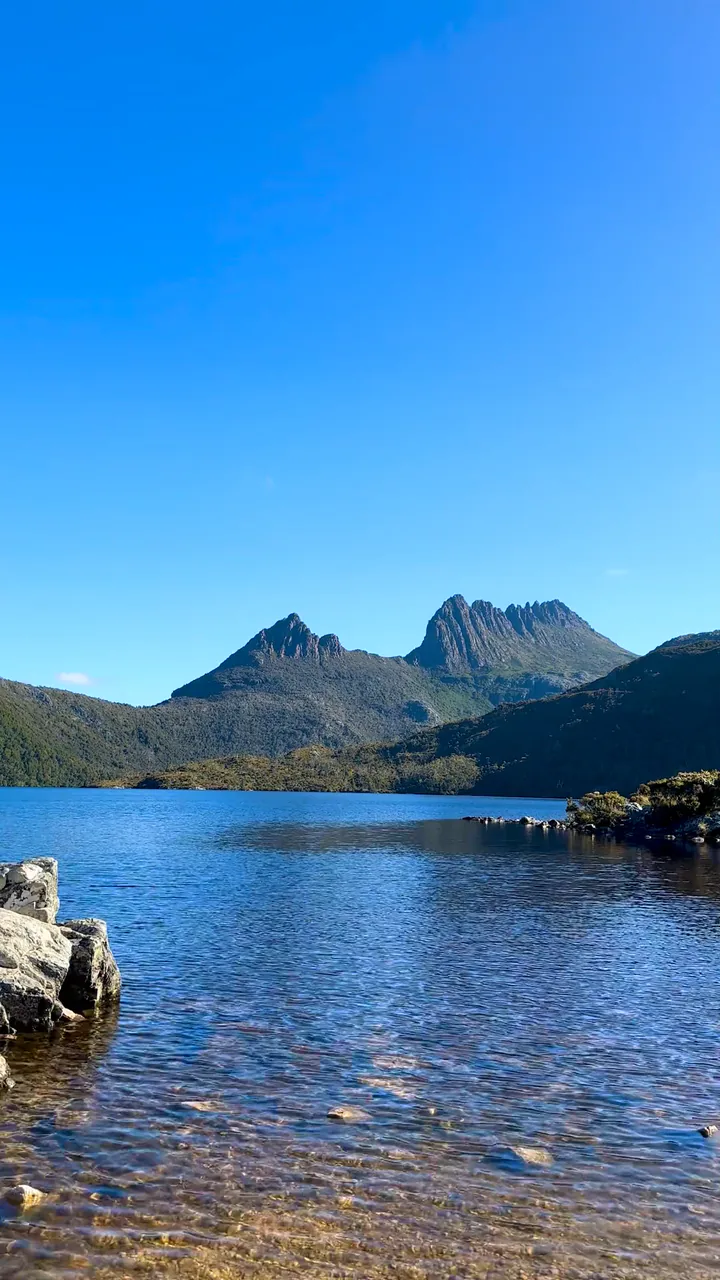
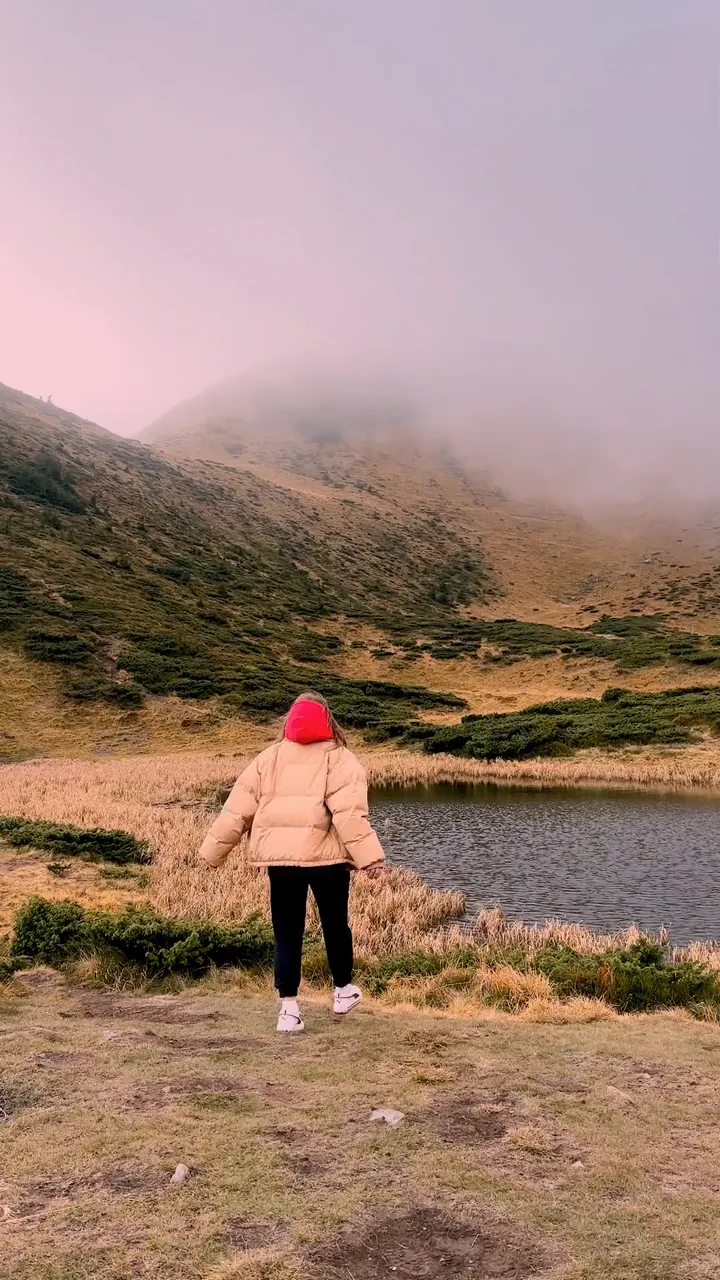

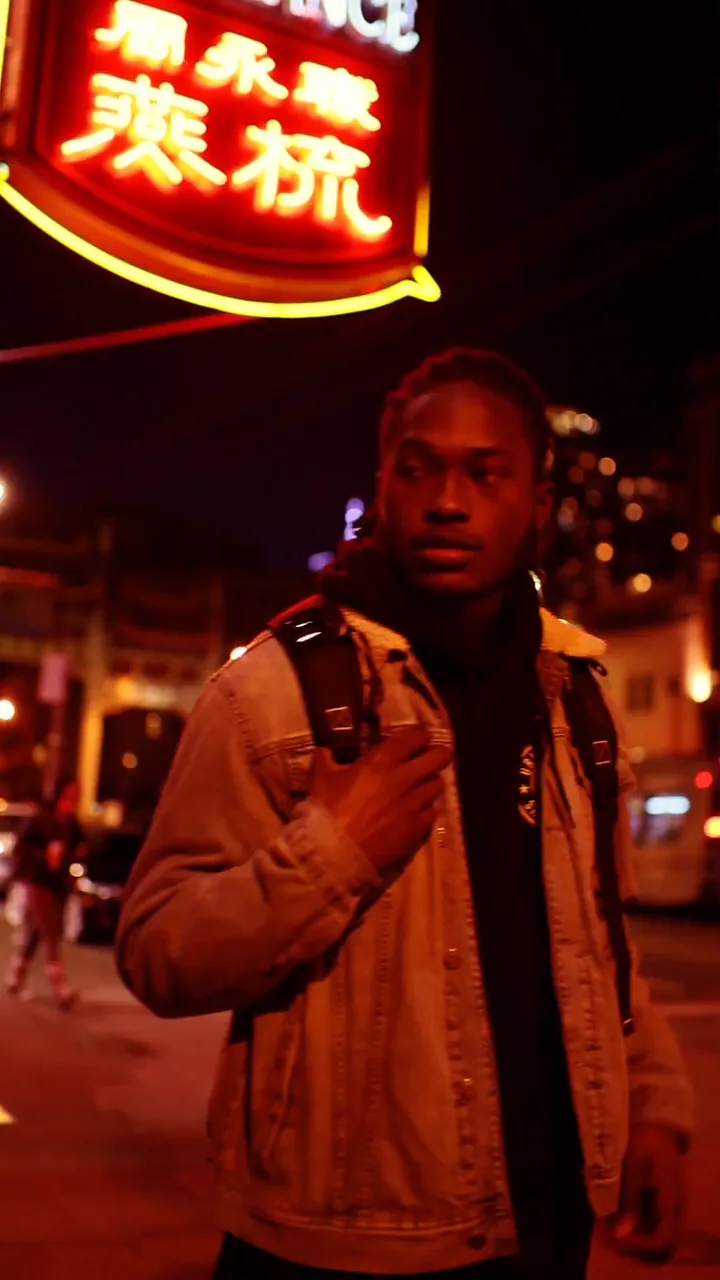
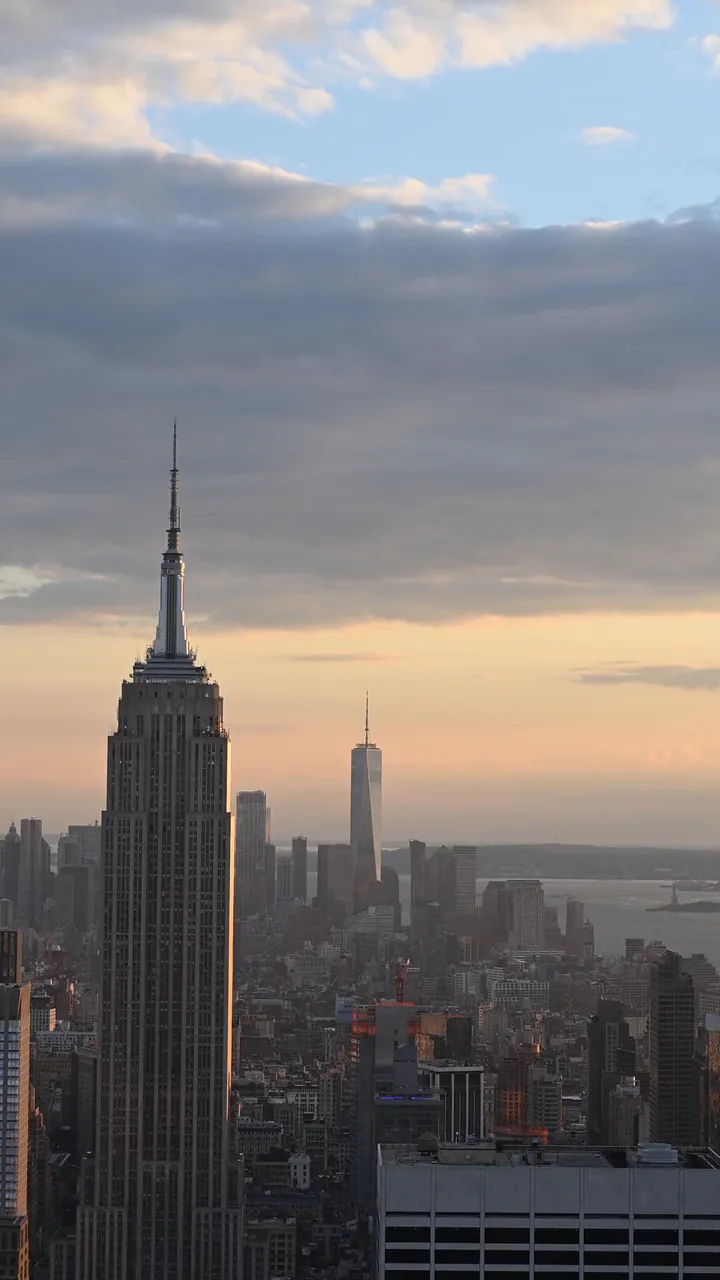

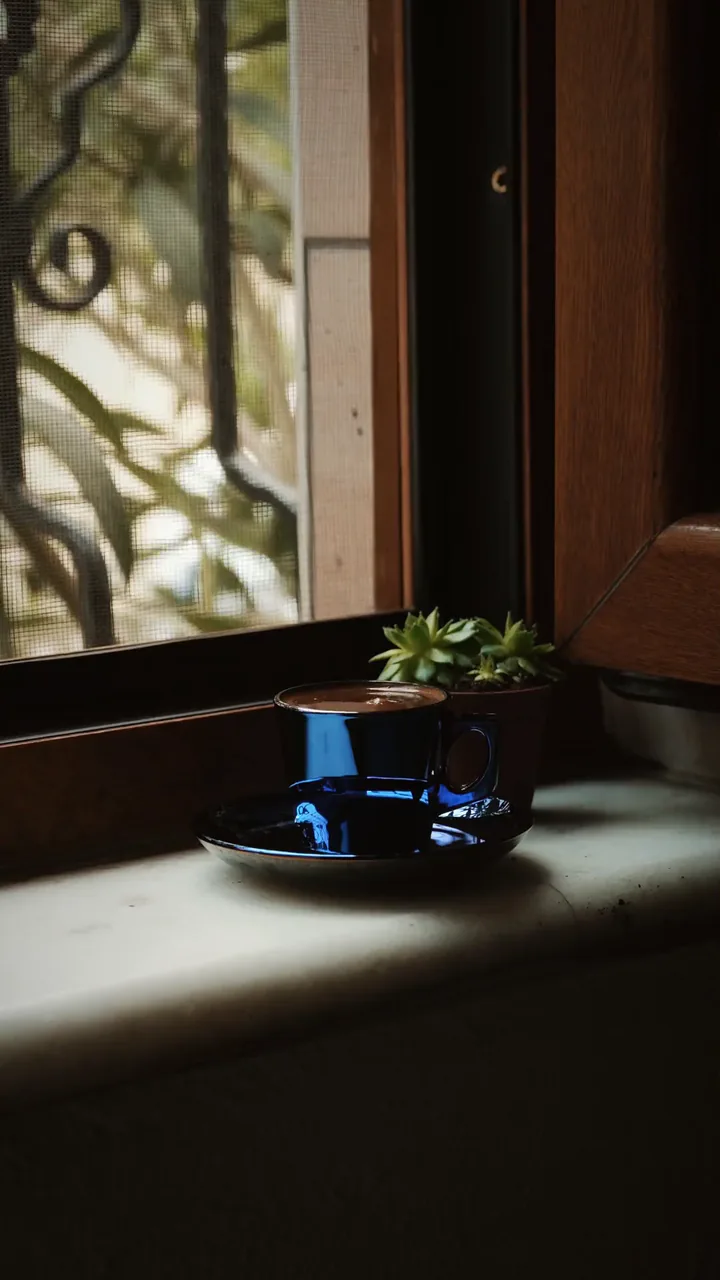
The people in these clips don't use or endorse Swish. The footage is licensed from Pexels and credited by author; the edits were made with Swish's engine.
What it does
Six ways to make it move.
No timeline to learn. Show Swish what should move with your finger, or just tell it.
Make a still photo move: water runs, clouds drift. Then save it as a video.
Learn morePaint what flows and pin what stays still. Your finger is the timeline.
Learn moreSwish finds the sky and swaps in one of 31 real skies that move. On clips too.
Learn moreForty living effects, from rain and snow to embers and fireflies.
Learn moreTrim, split and reorder. Text that moves, music, and a transition at every cut.
Learn moreDescribe the edit. Swish makes it with its own tools, as one step you can undo.
Learn moreLiving layers
Forty effects. Drawn live.
Rain, snow, embers, petals and thirty-six more, made on your phone, not downloaded. Lay one over the whole picture, or drag it into place and erase it where it shouldn't be.
- Rain
- Snow
- Embers
- Petals
- Fireflies
- Sparkle
- Bubbles
- Leaves
Or pick a mood. Twenty-four quickloops set a sky, a camera move, an effect and a soft sound in one tap, from First Snow to Stargaze.
How it works
Three moves.
From a still to a video in your gallery, all in one app.
Pick a photo or a clip.
Anything in your gallery. Swish opens it on your phone, and the editing happens there too.
Show it what moves.
Paint the water, pin the rocks, swap the sky, lay on an effect and a look. Or tap a mood and get it all at once.
Save it.
An MP4 in your gallery: 1080p at 30 by default, up to 4K at 60 frames a second when your phone and clip allow it. On Android, a looping GIF too.
- 40
- living effects
- 31
- skies that move
- 15
- looks, one tap each
- 24
- one-tap moods
- 20
- adjustments, with a histogram
- 13
- fonts for text that moves
- 24
- pieces of music in six moods
- 33
- sound effects
- 9
- transitions
- 10
- templates
Privacy
Some things stay put.
Edit on your phone, offline. When you choose AI edit, your prompt and selected frames go to Google Gemini. Your full videos never upload.
On your phone
Editing, previews, effects, skies, looks, Motion Brush, text, music, Enhance and export. Skies, music, fonts and templates come inside the app, so nothing waits on a download. Your projects stay on your phone, and the app has no analytics or tracking built in.
Sent to Google
When you sign in. Swish asks you to continue with Google the first time and uses your account only to sign you in. After that first sign-in Swish opens offline too.
When you send an AI edit, and only then: your words, recent chat, project details, a few frames and sometimes up to a minute of a clip's sound.
Make your first move.
Swish is coming to Android. Leave your email and we'll write when there's a build for you.