
Just say it.
Type the edit in the chat, or tap a suggestion like Bring this to life or Add calm background music. You can attach a photo, a clip or a sound to explain.
Where: AI edit in the dock.

 by rootlex
AI and export
Say what you want: make the waterfall move, add calm music, put a title at the start. Swish makes the edit with the same tools you'd use, as one step you can undo.
Android 8.0 and up, 64-bit phones. Not on iPhone yet.
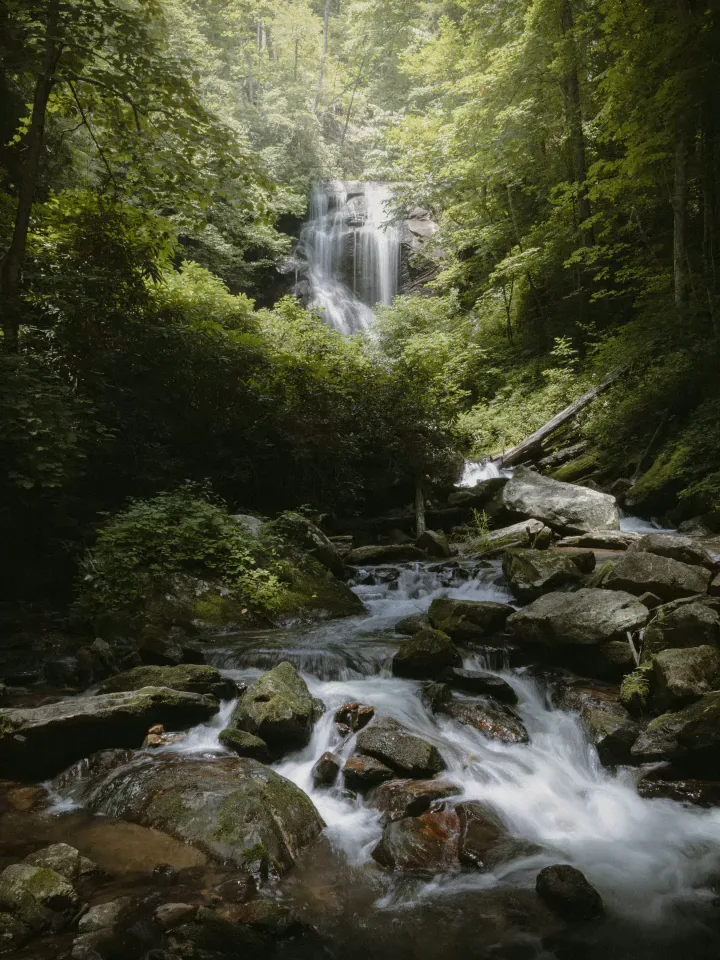
Type the edit in the chat, or tap a suggestion like Bring this to life or Add calm background music. You can attach a photo, a clip or a sound to explain.
Where: AI edit in the dock.
It trims, splits and orders clips, sets speed, colour and crop, adds text, effects, skies and moving water, music, transitions, and even saves the video. Each change is a normal edit you can adjust.

Everything one request did is a single undo. Compare the result with Before and After.
Only when you send a request: your words, recent chat, project details, a few frames, and sometimes a short piece of a clip's sound, through Swish's server to Google Gemini. Full videos never upload, and the server keeps nothing.

Describe the video you want and get a starting edit in one go.
Ask for the effect by its result, not the tool name.
Put a title on every clip, or the same look across the project.
No. It edits your photos and clips with Swish's own tools. It doesn't generate video.
Only when you send a request: your prompt, recent chat, project details, a few frames and sometimes a short piece of a clip's sound, through Swish's server to Google Gemini. Full videos never upload.
No. It works as soon as you're signed in.
No. Everything else in Swish works without it, and offline.
Swish is on Google Play. Install it, pick a photo, and show it what moves.
Get it onGoogle PlayAndroid 8.0 and up, 64-bit phones. Not on iPhone yet.