
For every place you post.
Instagram Reels (7), YouTube Videos (6), YouTube Shorts (6) and Instagram Stories (5), from Photo Dump and Get Ready to Hook Line, POV and Countdown.
Where: Discover tab.

 by rootlex
Edit
Pick a template, add your clips, and it's edited: cuts, text, music and moves already in place. Then change anything you like.
Android 8.0 and up, 64-bit phones. Not on iPhone yet.
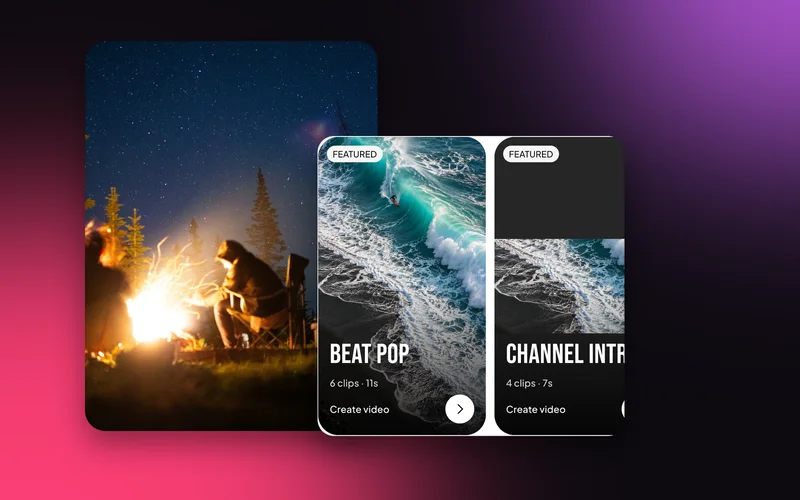
Instagram Reels (7), YouTube Videos (6), YouTube Shorts (6) and Instagram Stories (5), from Photo Dump and Get Ready to Hook Line, POV and Countdown.
Where: Discover tab.
Beat Sync, Cinematic & Travel, Photo Slideshow, Slow Motion & Velocity, Talking Videos, and Birthday & Couple.
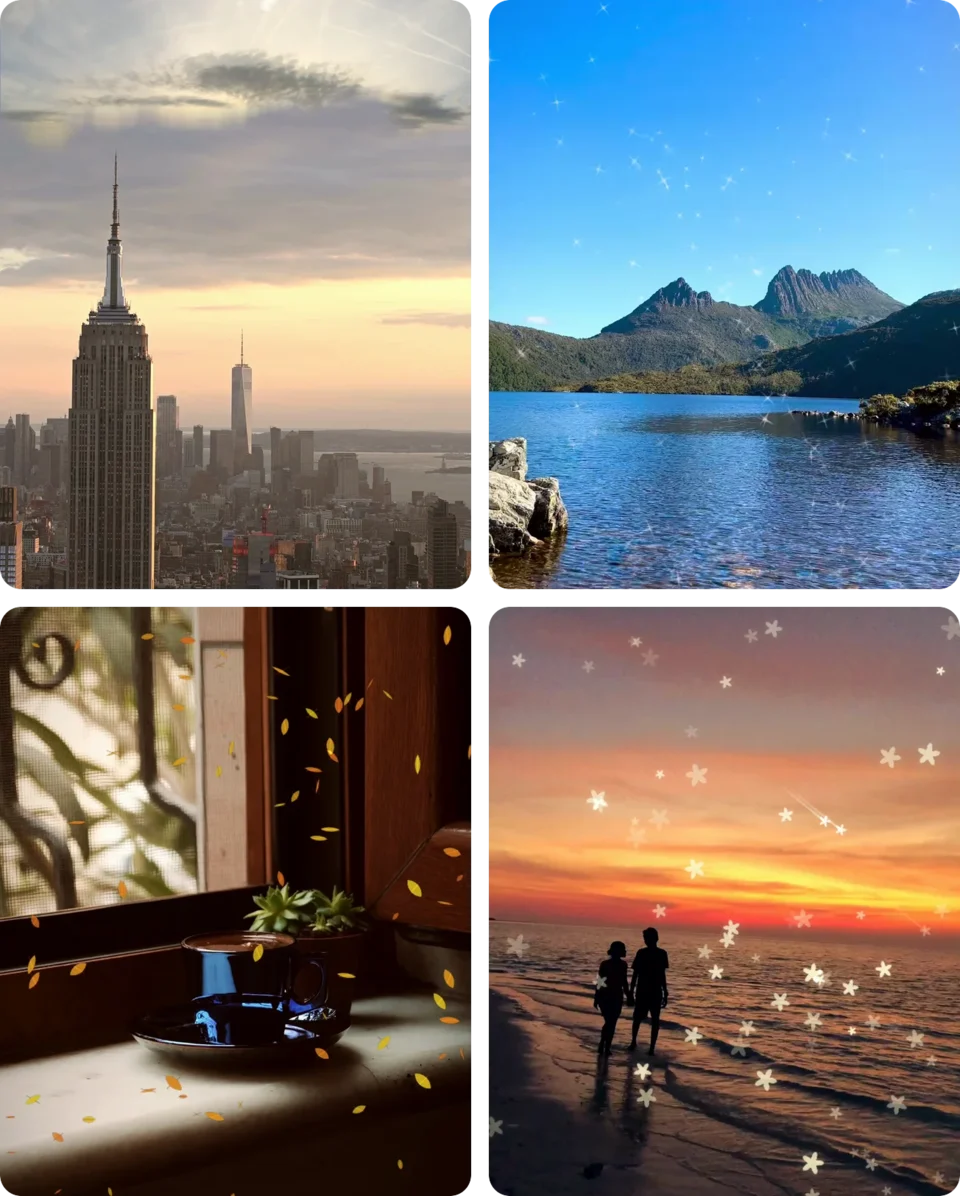
Add as many clips as you have. Fewer makes a shorter video. Then it opens in the editor like any project.
Where: Pick a template, choose your media, then Create video.

Photo Dump, Weekend Mode or Kinetic in a minute.
Channel Intro, Vlog Intro and Outro Card for your channel.
Happy Birthday, Anniversary and Love Story.
Fifty, on ten shelves. Search Discover to find one.
No. Any number works; fewer clips make a shorter video.
Yes. It opens as an ordinary project in the editor.
Yes. Editing, previews and saving all happen on your phone. Only sign-in and AI edit use the internet.
Swish is on Google Play. Install it, pick a photo, and show it what moves.
Get it onGoogle PlayAndroid 8.0 and up, 64-bit phones. Not on iPhone yet.