
Brush: paint the flow.
Paint over water, smoke or clouds. The motion runs in the direction of your stroke, so a stroke down a waterfall makes it fall.
Where: Animate, then Motion Brush, then Brush.

 by rootlex
Motion
Your finger is the timeline. Paint the parts of a photo that should move, show which way they go, and pin what must stay still.
Android 8.0 and up, 64-bit phones. Not on iPhone yet.
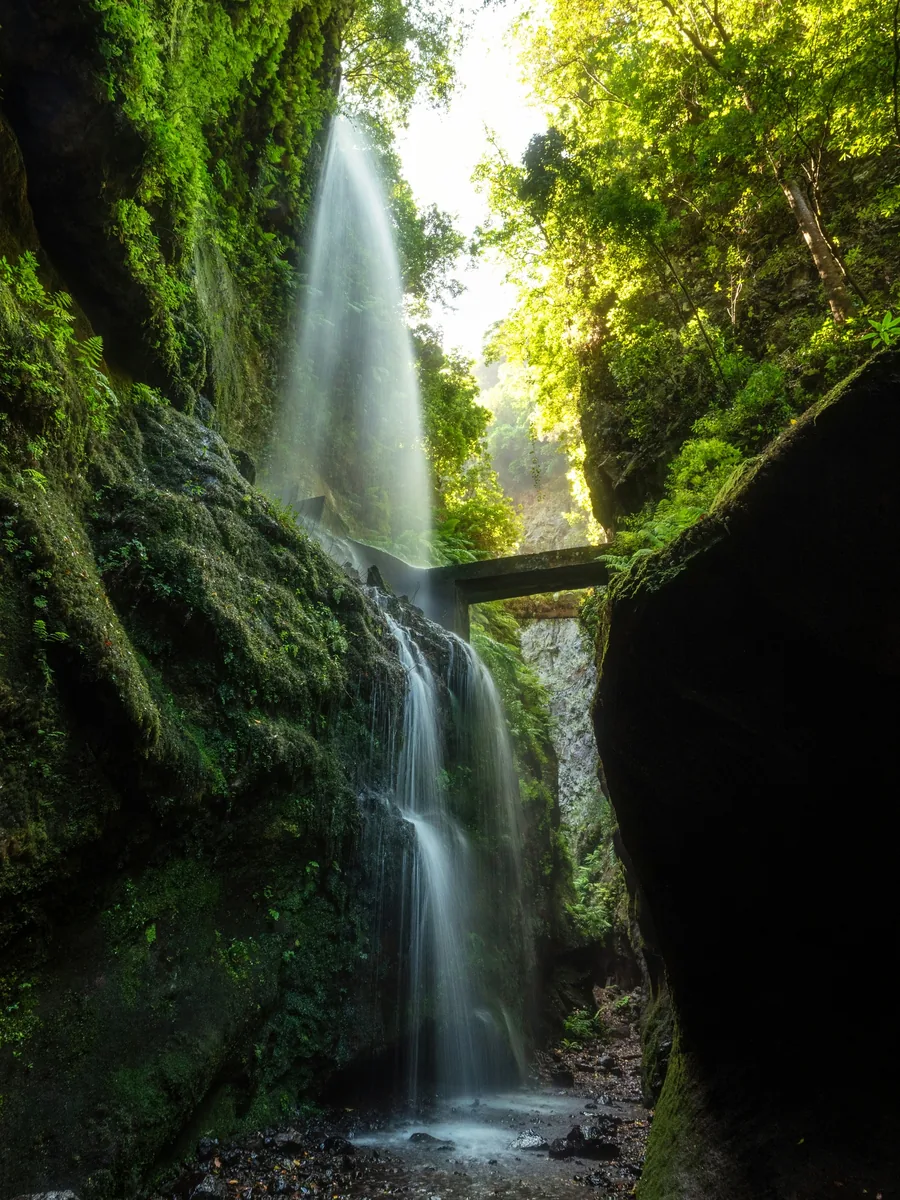
Paint over water, smoke or clouds. The motion runs in the direction of your stroke, so a stroke down a waterfall makes it fall.
Where: Animate, then Motion Brush, then Brush.
Draw an arrow over something and Swish works out how far the motion should reach, growing it to cover the object you drew on.
Where: Motion Brush, then Path.
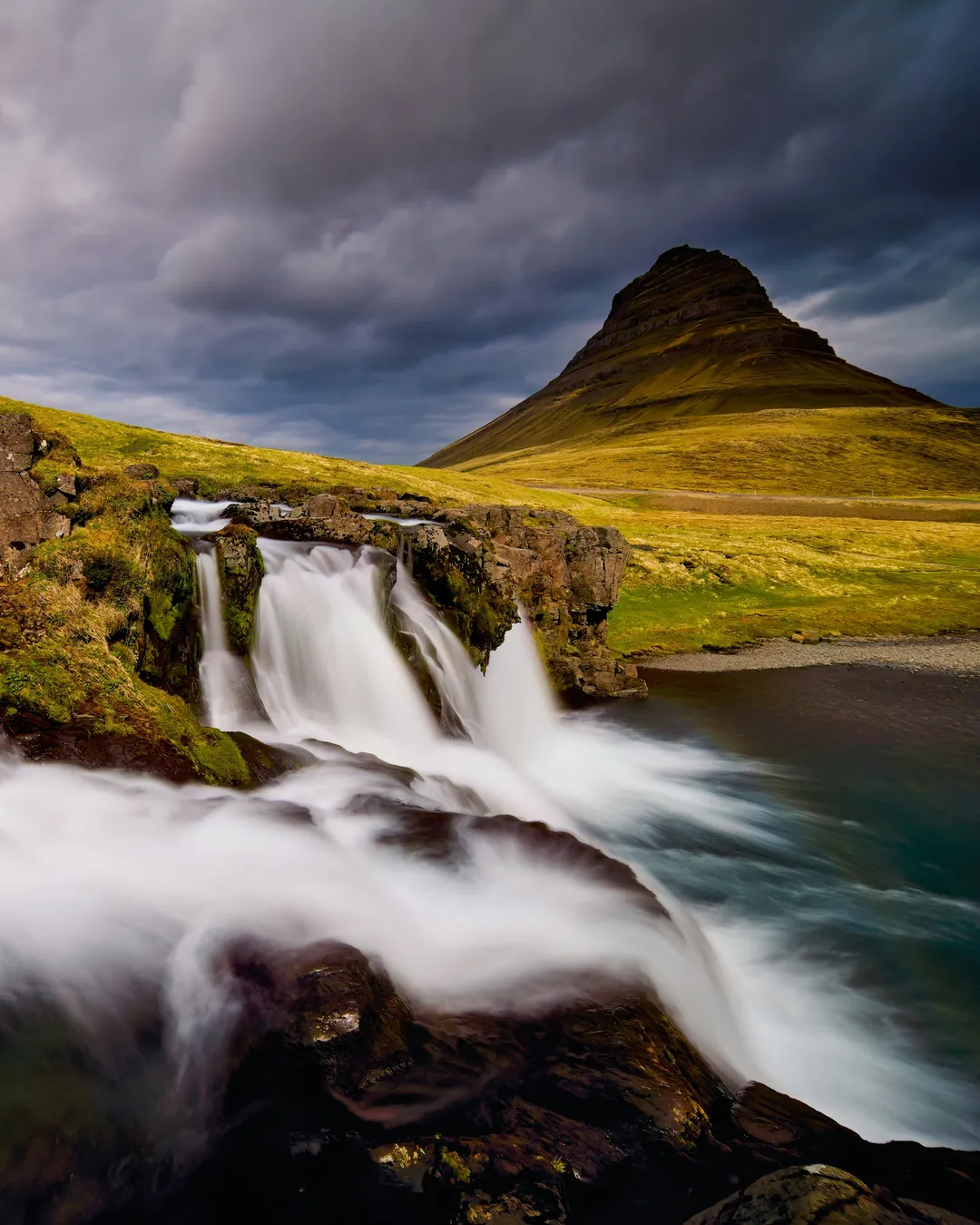
Tap the rocks, a building or a person and Swish holds the whole object steady, not just the spot you touched.
Where: Motion Brush, then Pin.

Brush size sets how wide you paint. Motion strength sets how far things travel. Motion speed runs from slow and dreamy to quick, with one loop taking 2.4 seconds at normal speed.
Where: The three sliders in the Motion Brush panel. Undo and Clear sit beside the modes.

Paint the water, pin the rock, and the scene loops like it was filmed.
Stroke clouds across the frame or send steam curling up from a cup.
Small strokes give a portrait or a street scene a breath of wind.
Brush moves exactly the area you paint, in the direction of your stroke. Path is an arrow: Swish grows the moving area to cover the object you drew it on.
Use Pin and tap it. Swish holds the whole object still.
Yes. Undo takes back the last stroke and Clear starts again.
Yes, on photos and video clips on the main track.
Yes. Editing, previews and saving all happen on your phone. Only sign-in and AI edit use the internet.
Swish is on Google Play. Install it, pick a photo, and show it what moves.
Get it onGoogle PlayAndroid 8.0 and up, 64-bit phones. Not on iPhone yet.