
One speed.
Anywhere from 0.1x to 4x. Keep sound keeps the voice natural when you change the pace.
Where: Tap a video clip, then Speed, then Regular.

 by rootlex
Edit
Slow a moment right down or speed through the boring part, and keep the sound if you like. Or let a speed curve do the drama for you.
Android 8.0 and up, 64-bit phones. Not on iPhone yet.
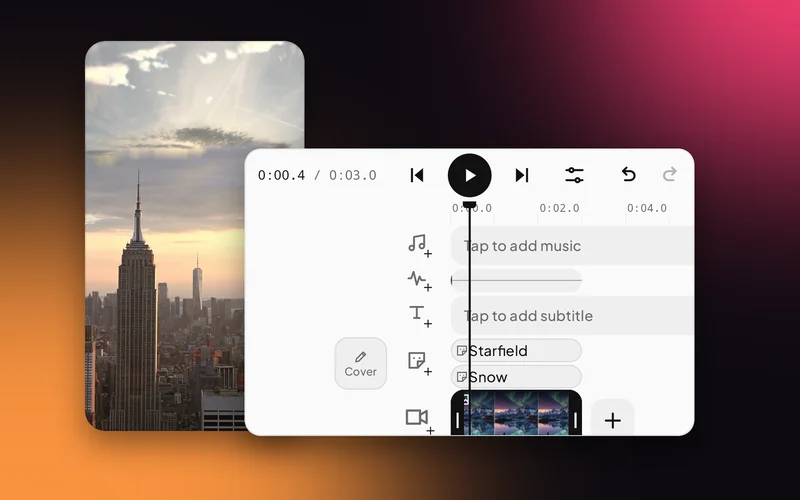
Anywhere from 0.1x to 4x. Keep sound keeps the voice natural when you change the pace.
Where: Tap a video clip, then Speed, then Regular.
Montage, Hero Time, Bullet Time, Jump Cut, Fast In and Fast Out ramp the speed up and down inside one clip. Or draw your own with Custom.
Where: Speed, then Curve.

In a photo-only project the same button sets how long each photo plays.
Where: Duration in the dock.

Bullet Time or Hero Time for the jump, the kick, the splash.
Speed through the drive, slow down for the view.
A touch faster, with Keep sound, keeps the pace up.
Down to 0.1x, a tenth of normal speed.
Turn on Keep sound to keep it natural when you change the speed.
A clip that changes speed as it plays, like slowing right down for one moment and then speeding up again.
Yes. Editing, previews and saving all happen on your phone. Only sign-in and AI edit use the internet.
Swish is on Google Play. Install it, pick a photo, and show it what moves.
Get it onGoogle PlayAndroid 8.0 and up, 64-bit phones. Not on iPhone yet.