Thirteen fonts.
Inter, Inter Bold, Montserrat, Poppins, Bebas Neue, Playfair Display, Lora, Caveat, Pacifico, Oswald, Nunito, Space Grotesk and DM Serif.
Where: Text, then Font.

 by rootlex
Text and sound
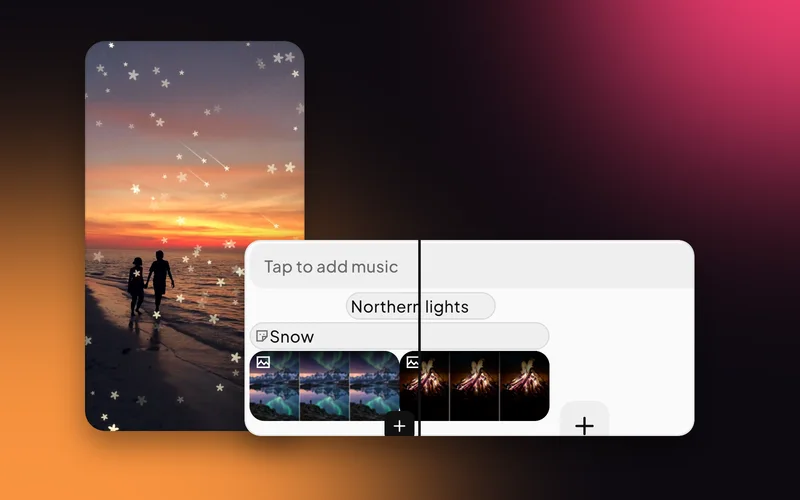
Titles, captions and labels that look designed: 13 fonts, full styling, and 300 templates to start from. Then give them a move.
Android 8.0 and up, 64-bit phones. Not on iPhone yet.
Inter, Inter Bold, Montserrat, Poppins, Bebas Neue, Playfair Display, Lora, Caveat, Pacifico, Oswald, Nunito, Space Grotesk and DM Serif.
Where: Text, then Font.
Size, colour, alignment, a pill or full background with rounded corners, outline, shadow, and letter and line spacing.
Where: Text, then Color, Background, Outline, Shadow or Spacing.
Twenty groups, from Trending, Bold and Neon to Vlog, Travel, Food, Sale, Quote and Subtitle. Or start from a style: Outline, Pill, Block, Headline, Handwritten or Caption.
Where: Text, then Presets.

Slide, pop, spin or bounce a title in, fade it out, or record a path of your own.
Where: Select the text, then Animate.

A bold line in the first second tells people why to watch.
Subtitle and Label templates keep the words readable on any picture.
Elegant, Cinematic and Retro looks for the start and the end.
Thirteen, built into the app.
Yes. Every text layer can take an entrance, an exit, or a move you record.
Three seconds by default. Drag its ends on the timeline to change it.
Yes. Editing, previews and saving all happen on your phone. Only sign-in and AI edit use the internet.
Swish is on Google Play. Install it, pick a photo, and show it what moves.
Get it onGoogle PlayAndroid 8.0 and up, 64-bit phones. Not on iPhone yet.