
Fifteen looks.
Vivid, Warm Film, Cool Air, B&W, Fade Matte, Golden Hour, Punch, Pastel, Noir, Teal-Orange and Retro VHS, plus four stylised ones: Anime, Cyber, Cinema and Ethereal.
Where: Style in the dock, then Looks.

 by rootlex
Look
Fifteen looks, one tap each, with an intensity slider. Then fine-tune light, colour and detail, and hold Before to compare.
Android 8.0 and up, 64-bit phones. Not on iPhone yet.
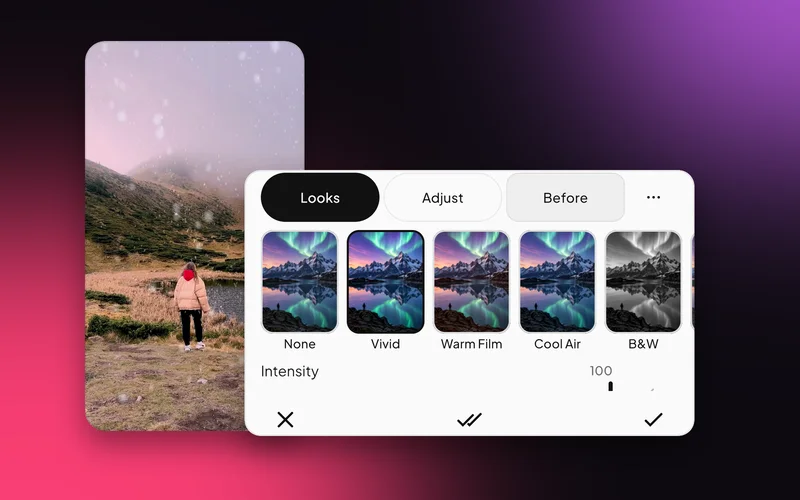
Vivid, Warm Film, Cool Air, B&W, Fade Matte, Golden Hour, Punch, Pastel, Noir, Teal-Orange and Retro VHS, plus four stylised ones: Anime, Cyber, Cinema and Ethereal.
Where: Style in the dock, then Looks.
Exposure, Brightness, Contrast, Highlights, Shadows, Whites and Blacks; Temperature, Tint, Vibrance, Saturation and Hue.
Where: Style, then Adjust.

Eight colour ranges, from red to magenta, each with its own hue, saturation and lightness. Make the sky bluer without touching skin.
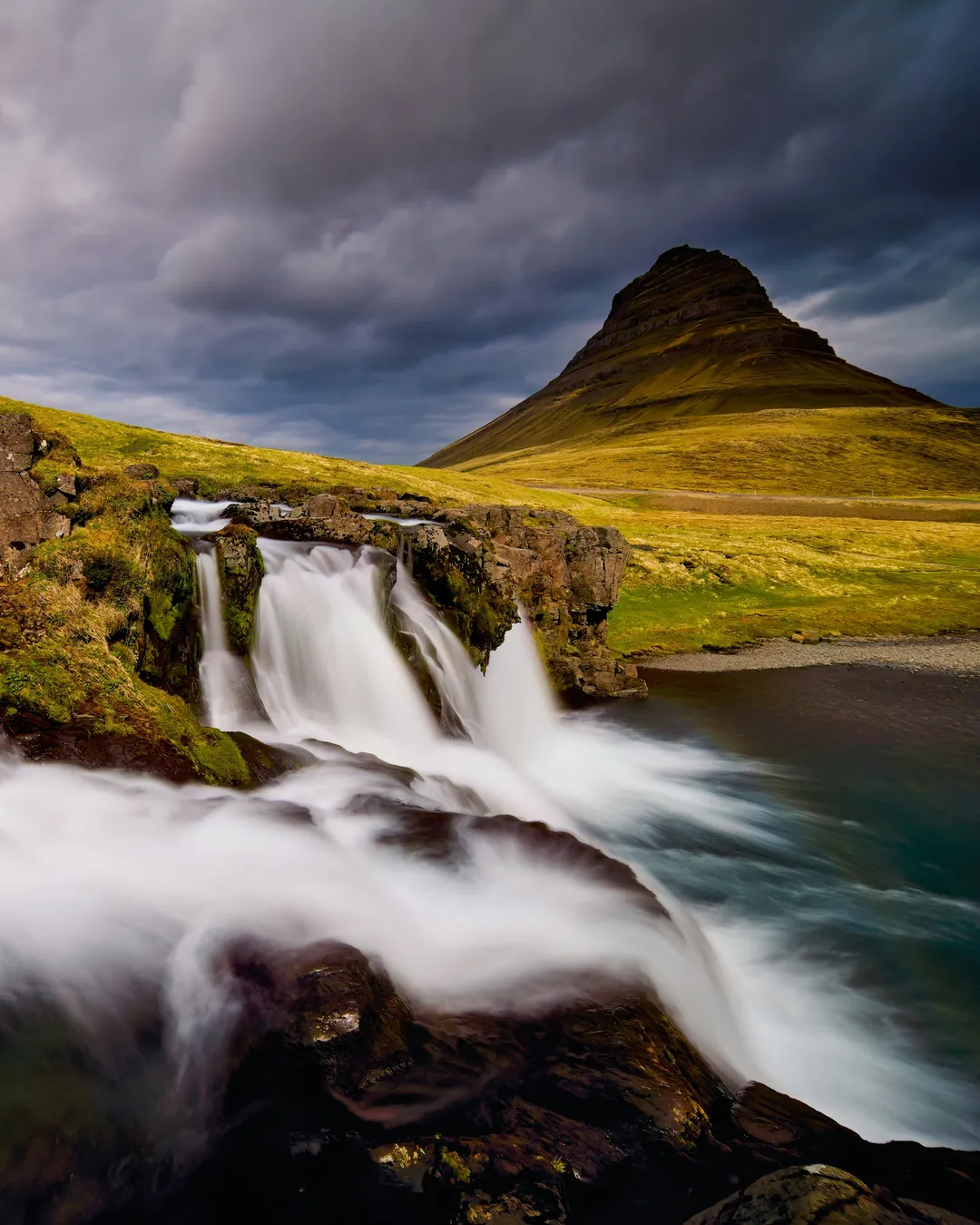
Clarity, Texture, Dehaze and Sharpen, then a vignette with midpoint, roundness and feather, and film grain with size. Turn on the histogram to see the light.
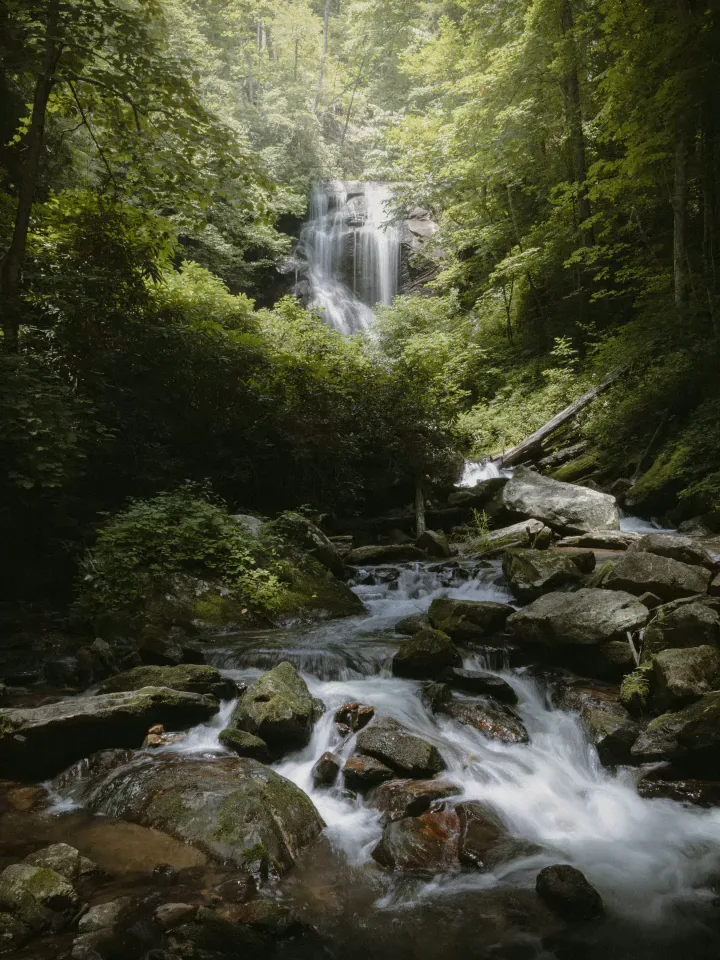
Copy a look and paste it, or set it on all clips at once.
Lift the shadows, cool the white balance, take the haze out.
Warm Film, Fade Matte or Cinema with a little grain and vignette.
Yes. Hold Before to compare.
Yes. Use All clips, or Copy and Paste between clips.
Yes. Every look has an intensity slider from 0 to 100.
Yes. Looks and adjustments work on photos and clips.
Yes. Editing, previews and saving all happen on your phone. Only sign-in and AI edit use the internet.
Swish is on Google Play. Install it, pick a photo, and show it what moves.
Get it onGoogle PlayAndroid 8.0 and up, 64-bit phones. Not on iPhone yet.