Android 8.0 and up, 64-bit phones. Not on iPhone yet.
One tap, four layers.
01
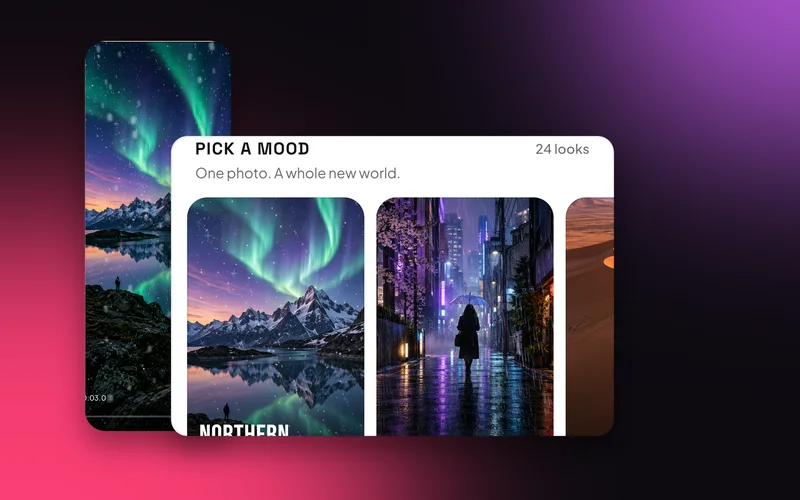
Twenty-four moods.
Golden Hour, Midnight, Downpour, Dreamscape, First Snow, Celebrate, Beach Day, Wedding, Campfire, Haunted, Nightmare, Autumn, After the Rain, Bubbles, Northern Lights, Moonrise, Fireworks, Storm Watch, Birthday, Love, Retro, Enchanted, Glitter and Stargaze.
Where: Home, then Pick a mood.
02
Each one sets four things.
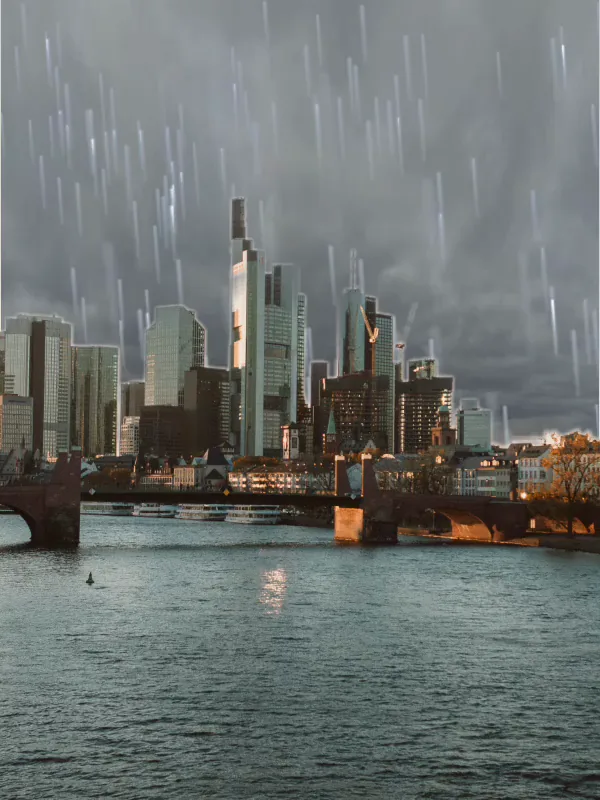
Northern Lights, for example, brings in the Dancing Aurora sky, a Cinematic Zoom, a starfield and a soft wind. Downpour sets a storm sky, a handheld shake, rain and the sound of rain.
Photo by Abdu on Unsplash.
03
Then make it yours.
Every layer a mood adds is an ordinary sky, move, effect and sound in the editor. Swap any of them, or add your own text and music.
Where: Open the project in the editor after the mood is applied.
04
Or start from a demo.
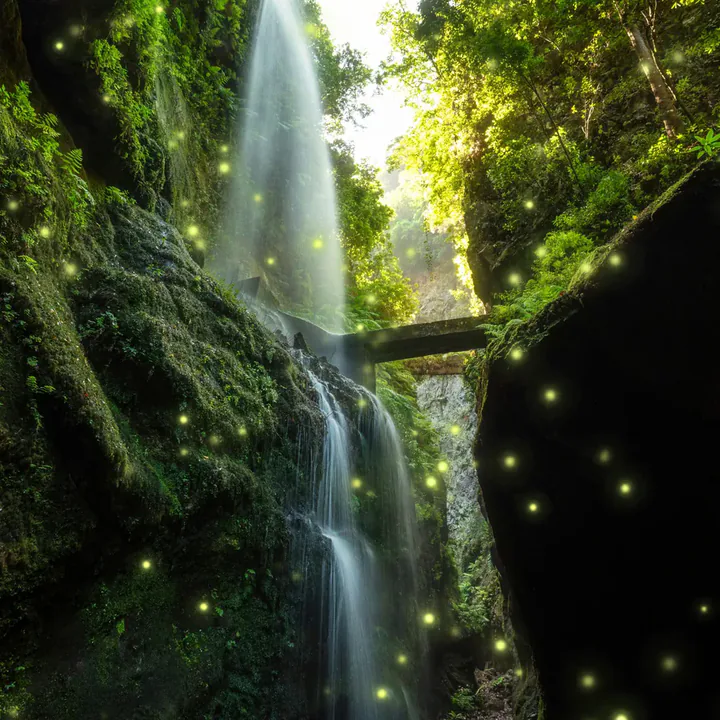
No photo handy? Seven ready-made scenes let you try it first: Desert Glow, Neon City, Aurora Lake, Wide Falls, Campfire, Long Beach and Snow Peaks.
Where: Home, then Play with Demos.
Made for every kind of creator.
Celebrations.
Birthday, Wedding, Love and Fireworks turn a party photo into a moving card.
Birthday
Wedding
Love
Weather and seasons.
First Snow, Autumn, Downpour and After the Rain change the day in the picture.
Snow
Rain
Autumn
Night scenes.
Midnight, Moonrise, Northern Lights and Stargaze bring the sky alive after dark.
Night
Aurora
Stars
Questions.
What does a mood change?
It sets a sky, a camera move, a living effect and a soft ambient sound. Some moods leave the sky as it is.
Can I change a mood after I pick it?
Yes. Everything it adds can be swapped or removed in the editor.
Do moods work on videos?
Moods start from a photo. For clips, add a sky, an effect and a camera move yourself in the editor.
Does it work offline?
Yes. Editing, previews and saving all happen on your phone. Only sign-in and AI edit use the internet.
Make your first move.
Swish is on Google Play. Install it, pick a photo, and show it what moves.